Kaspersky Mobile Security
Superior anti-theft protection & anti-malware for Android phones
Your family’s phones store a lot of precious personal data – so how do you protect them from malware, Internet threats and the risk of loss or theft?
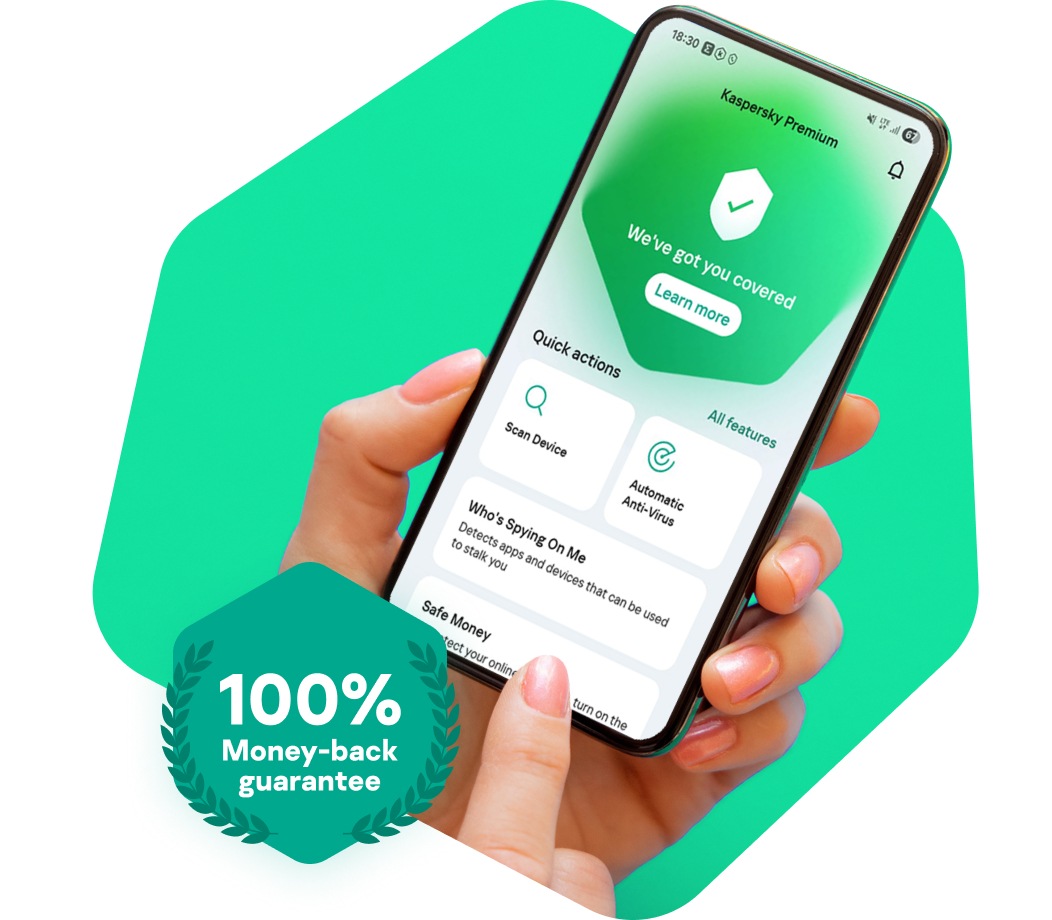
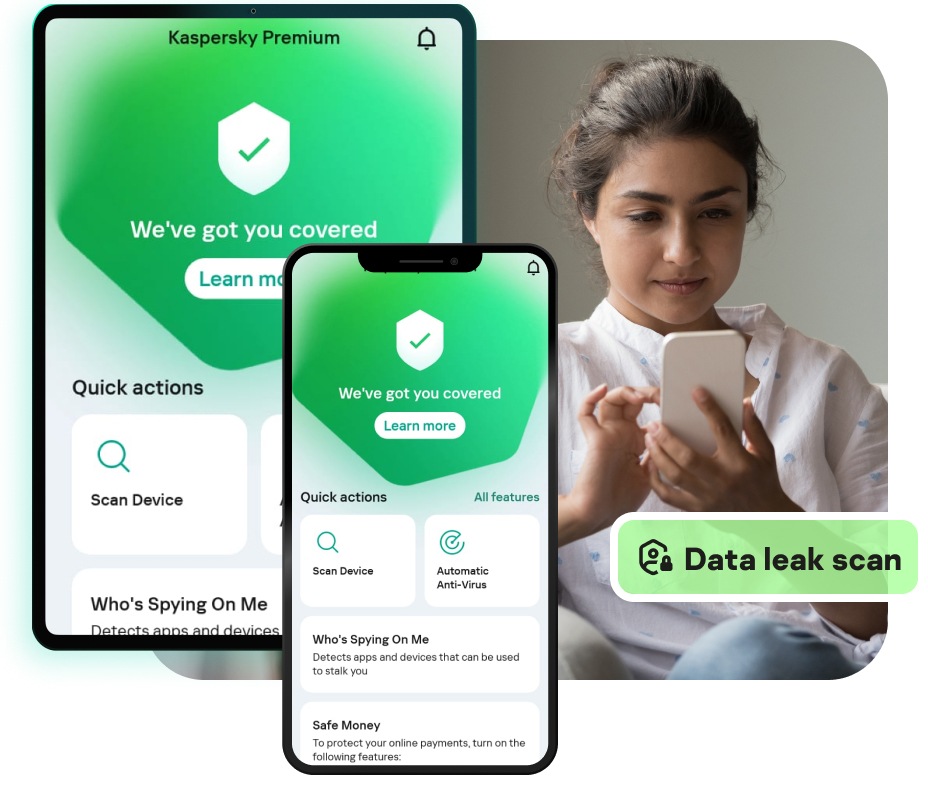
Kaspersky Mobile Security delivers our latest protection technologies – optimised for Android smartphones – to protect your private data… even if your phone is lost or stolen. You can download security features free of charge… or, for enhanced security – that delivers real-time protection and also helps to keep you safe on the Internet – you can purchase the premium version of Kaspersky Mobile Security.
FREE*
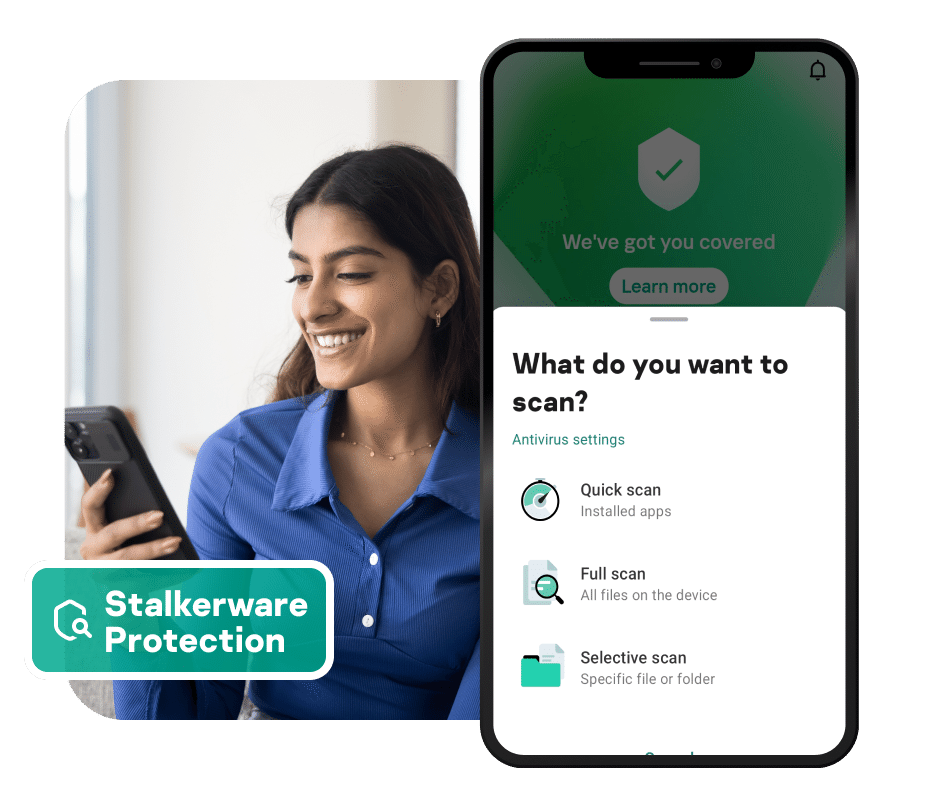
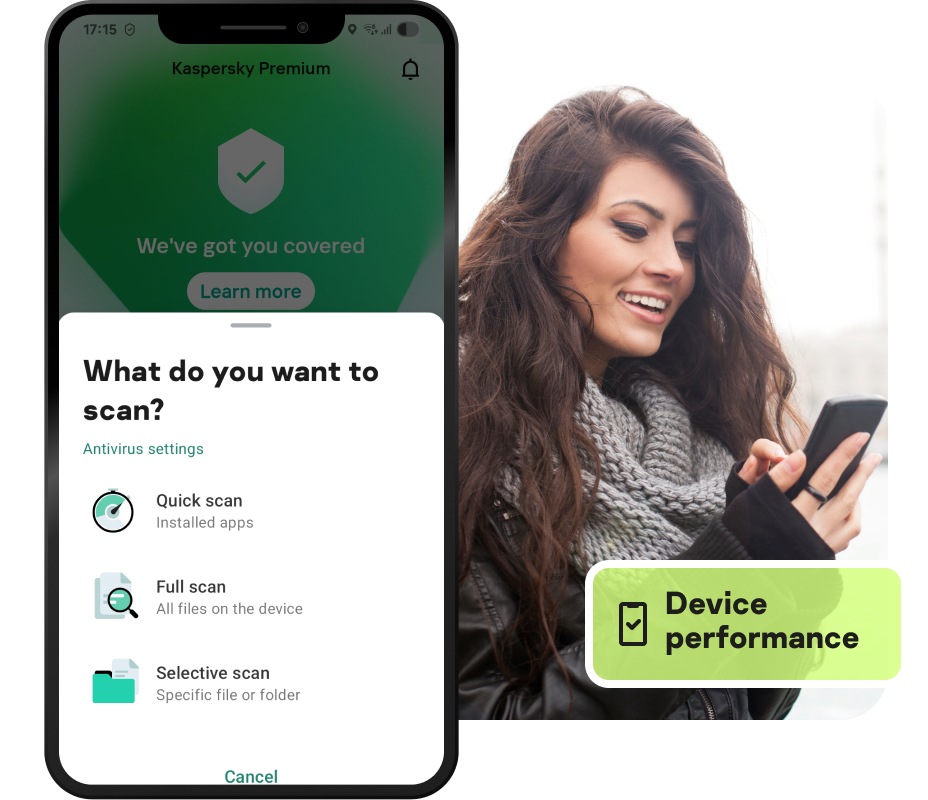
Scans on demand – to protect against malware
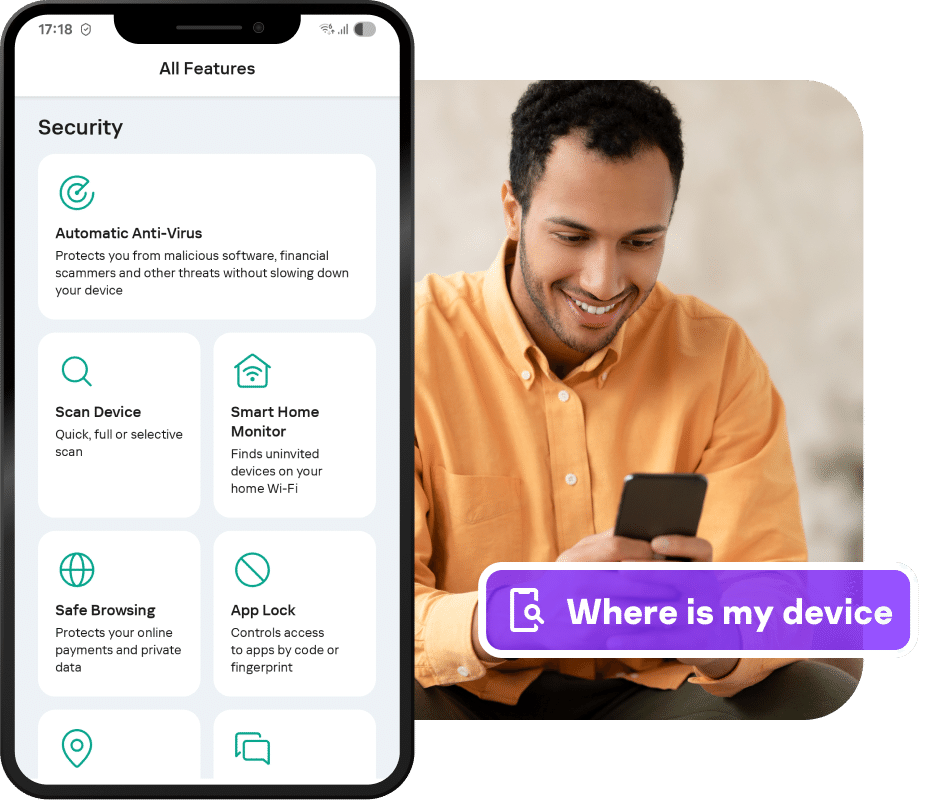
Protects your phone and data from theft and loss
Filters out unwanted calls and SMS texts
Works in the background – to preserve performance
PREMIUM**
Delivers real-time defence against malware
Automatically scans downloaded apps
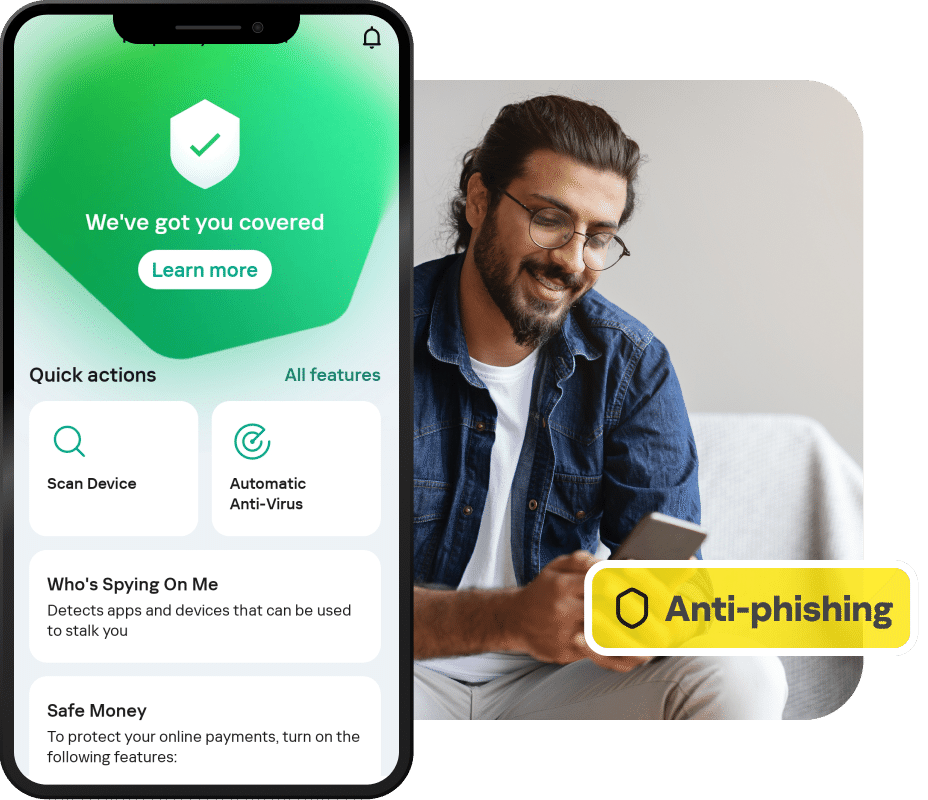
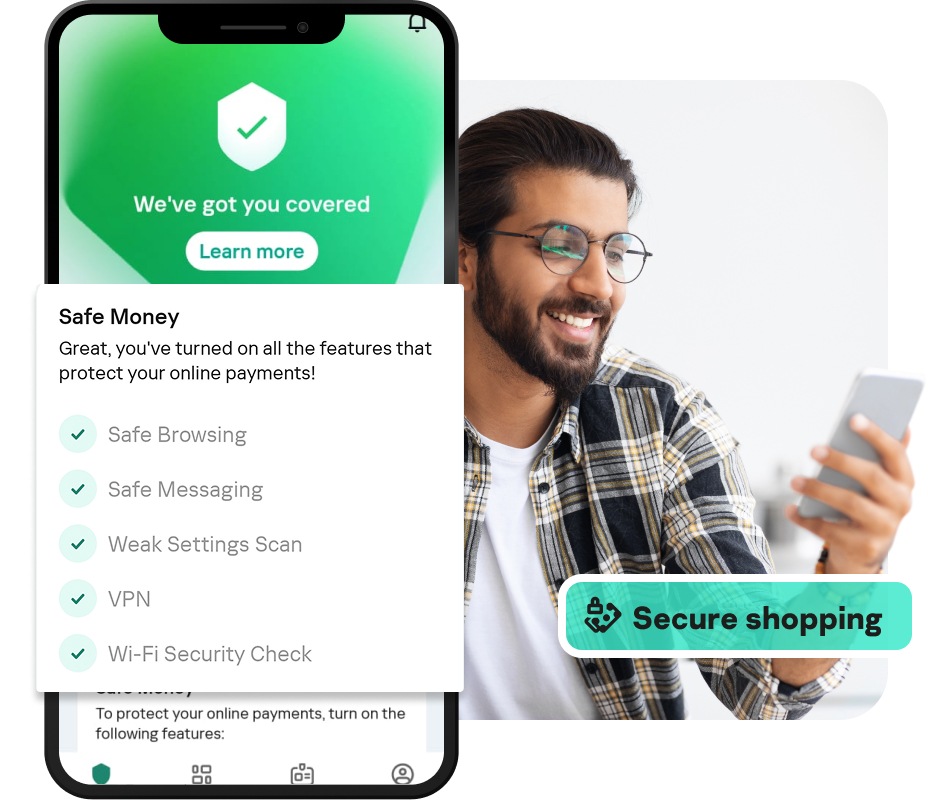
Blocks links to dangerous and phishing websites
Checks for malware links within text messages
Hides your private calls, texts, contacts & logs
* These features are available free of charge.
** These premium features are available for purchase.
Anti-Theft Protection – Free*
Because smartphones – and the information stored on them – are so valuable, they’ve become a prime target for theft. In addition, because they are so compact and lightweight, it’s simply too easy to lose or misplace your smartphone. With innovative features that help you to protect your personal information if your phone is lost or stolen – plus technologies that help to find your missing phone – Kaspersky Mobile Security does more to keep your phone, your identity and your information safe.
Anti-Theft Web Management
If your phone is stolen or lost, Kaspersky’s Anti-Theft Web Management portal gives you convenient, rapid access to all of the Kaspersky anti-theft features that can protect your information and help to find your phone. It’s an easy-to-use, web-based control centre that lets you interact with your phone remotely. So you can:
· Activate all anti-theft features – including Lock and Locate, Data Wipe, Alarm, Mugshot and SIM Watch
· See logs of recent activities – including activated commands, the status of anti-theft commands and their subsequent results
Lock and Locate
Simply send a text message to your missing phone and you can block it, so that no one can access your private information. You can also display your own message on the phone’s screen – to help encourage the reader to return your phone. Furthermore, Kaspersky Mobile Security uses GPS, GSM & Wi-Fi connections – plus a Google Map link – to show you the missing phone's approximate location.
Data Wipe
When you're not sure if you're going to be able to recover your missing phone, Kaspersky Mobile Security lets you remotely wipe your personal data from your smartphone. You can choose between:
· Wipe the SD card and wipe personal information – to delete all data on your SD card and delete information about your:
o call history
o Google Play account
o email & social network accounts
o text messages
o contacts
o calendar events
· Wipe the SD Card and Device Reset – to delete all information stored in your smartphone and on its SD card… plus return your phone to its factory settings
New! Alarm
With Kaspersky’s new Alarm feature you can make your phone emit an audible alarm – so you can rapidly find your phone if you’ve just mislaid it somewhere close by. The alarm can be activated via the Anti-Theft Web Management portal or simply by sending your phone a special text message. Your secret code can be used to deactivate the alarm.
Mugshot
Kaspersky’s Mugshot feature helps you to identify unauthorised users of your phone – by secretly taking a series of photographs of them and then sending the images directly to your personal account on the Kaspersky Anti-Theft Web Management portal.
SIM Watch
If the SIM card in your missing phone is replaced, Kaspersky’s SIM Watch feature will report the new phone number to you – so you still have remote access to the Lock and Locate, Data Wipe, Alarm and Mugshot anti-theft features on your phone.
Secret code
Any thieves, users or third-party apps that try to uninstall Kaspersky Mobile Security from your smartphone, will discover that uninstallation is not possible without knowing your secret code.
Web Protection – Premium**
Whenever you use your smartphone to access the Internet, Kaspersky Mobile Security protects your phone and your personal data against the growing number of security threats.
Secure Browsing
By blocking malicious and fraudulent links – including phishing sites that are designed to steal your money – Kaspersky Mobile Security helps to keep you and your identity safe.
New! Text Anti-Phishing
This new feature inspects all of the links contained in any text messages that you receive. It checks the link’s URL and lets you know if it is malicious or a phishing attempt.
Antivirus Protection
With the ever-increasing variety and sophistication of malware threats against smartphones, it's vital that you protect your phone and the personal information that you store on it. Because Kaspersky Mobile Security combines signature-based, proactive and cloud-based anti-malware technologies, it delivers powerful protection against viruses, spyware, Trojans, worms, bots and more. In addition, it provides reports on all activities – including scans completed, malware found, sites blocked and updates.
On-demand scans– Free*
Kaspersky Mobile Security lets you manually check downloaded applications and files by running a:
· Full scan for viruses
· Folder scan
· Memory scan
· Scan of installed apps
Real-time protection– Premium**
Kaspersky’s cloud-based anti-malware features help to deliver real-time protection against new and emerging threats.
Automatic scan– Premium**
As soon as you install Kaspersky Mobile Security, it will automatically scan all of your downloaded and updated applications and files – to check for any infections or threats.
Call & Text Filtering – Free*
To help ensure that you only receive the calls and texts that you want to receive, the Call & Text Filtering feature lets you:
· Add phone numbers – from incoming calls and texts – to your own Whitelist or Blacklist of numbers
· Automatically block calls & texts from hidden and non-numeric numbers
· Choose a filtering profile option:
o Text messages only
o Calls only
o Text messages & calls
Privacy Protection – Premium**
Whenever someone picks up your smartphone, it's good to be able to control what they can see. Kaspersky's special Privacy Protection feature can be activated manually, automatically or remotely – in order to hide your:
· Contacts
· Incoming and outgoing calls
· Text messages
· Logs
* These features are available free of charge.
** These premium features are available for purchase.