
 quiz

 cloud
Kaspersky Security Cloud: The right security at the right time
Kaspersky Security Cloud is a service that protects you and your family from cyberthreats, also offering a personal security assistant and a handful of useful utilities when you need them.
 products
How to protect your kids from unwanted content on iPads and iPhones
Kaspersky Safe Browser for iOS lets you filter unwanted content — violence, adult materials, drugs, and more.

It’s tax scam time
Many people now do their taxes online, and cybercriminals see that as a huge opportunity to make money with phishing schemes.

How to explore the Internet safely on your iPad and iPhone
Kaspersky Safe Browser for iOS protects you from phishing, malicious sites, and spammy links.

Tip of the week: Manage Kaspersky Lab solutions remotely
The My Kaspersky website gives you remote control over the security solutions on all of your devices.
Count the awards: Choosing an antivirus solution
How to choose an antivirus solution without falling for advertising tricks.

 tips
Tip of the week: How to manage device security remotely
If you have Kaspersky Labs products installed on several devices, the most convenient way to manage them is the My Kaspersky portal.

Kaspersky for Mac: More than just antivirus
Contrary to popular belief, viruses for Mac do exist. Other online threats put Mac users at risk as well. Kaspersky Internet Security for Mac can neutralize them all.

13 countries join our ransomware fighting project
Three months in, we report on the development of No More Ransom and the goals we’ve already achieved.

Simply the best
Independent testing agency MRG Effitas put 16 security products through their paces against a battery of malware. Here are the results.

 compatibility
Why upgrade to Windows 10?
Let’s talk about new security technologies in Windows 10: Are they enough to make the new operating sys-tem totally secure?

Multipurpose malware: Sometimes Trojans come in threes
Ransomware is a tough nut to crack — and while it’s distracting you by encrypting your files, it may also be turning your computer into a zombie.
Why do you need Kaspersky Protection browser extension?
Why do you need Kaspersky Protection browser extension?

What’s going to protect you from invisible enemies? A tin foil hat, of course!
Today is the first annual Tin Foil Hat Day. What is it?

How banking Trojans bypass two-factor authentication
Are you sure that one-time SMS passwords reliably protect your mobile bank? Think again! In this article we explain how Trojans fool two-factor authentication.

How to protect your money from online fraud
Cyber illiteracy can lead to the loss of money due to online banking fraud. Follow these eight rules to protect your money from cybercriminals

The wrong way to use passwords
Passwords have been around since the early days — in 200 B.C., the Romans used them on a day-to-day basis to organize and manage actions of military units. With the
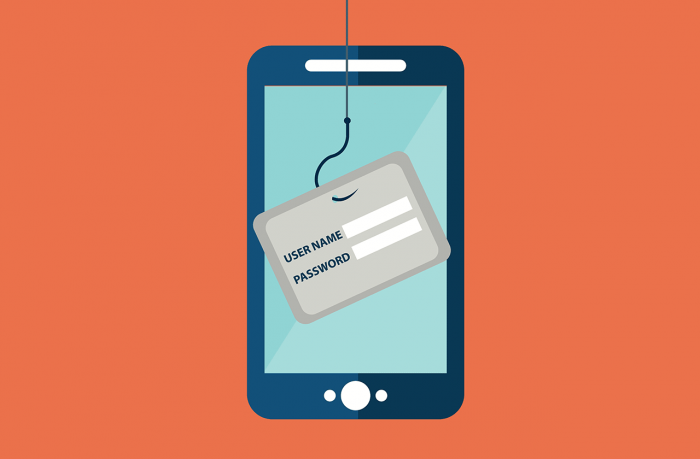
How to protect yourself from phishing: 10 tips
Sometimes even cybercriminals go fishing. They hunt for a special goldfish — our personal data. So, what can you do to protect yourself from phishing?

To pay or not to pay – the dilemma of ransomware victims
While FBI recommends victims to pay the ransom, Kaspersky Lab won back the access to the files for dozens of thousands of CoinVault and Bitcryptor victims.

Tip of the week: know where your kids are
Kaspersky Safe Kids offers peace of mind in knowing that their kids are safe and where they should be.